Does Jobber Measure Lawns? The Honest Answer
No, Jobber doesn't natively measure lawns from an address. Here's how measurement actually works in Jobber, and the faster way to quote from the truck.
Does Jobber measure lawns? No — not natively. Jobber is a CRM and field-service platform, and its own help docs walk you through measuring by opening the property in Google Maps, switching to satellite view, and tracing the lawn by hand with the map's Measure Distance tool. Its lawn care cost calculator works the same way: you type in an address, trace the turf in satellite imagery, draw your edging, then plug in your own cost per square foot to get a rough number. In other words, Jobber runs your business — the measuring is a separate, manual step you do somewhere else.
That's not a knock on Jobber. It's a great CRM. It just isn't a lawn-measurement tool, and pretending otherwise costs you time on every quote.
Does Jobber measure lawns automatically? What actually happens
Here's the real workflow if you rely on Jobber alone:
- Open the customer's address in Google Maps.
- Switch to satellite view.
- Use the Measure Distance tool to trace the lawn perimeter, point by point.
- Do it again for edging and any exclusions (beds, driveway, pool).
- Copy those square footages back into Jobber and apply your rate.
Jobber has also added the ability to import property measurements from a third-party integration called Deep Lawn. That's the tell: if measurement were built in, you wouldn't need an outside tool feeding numbers into it. Measurement lives outside the CRM — either you trace it by hand or you pipe it in from a dedicated tool.
The practical takeaway for lawn-care pros: your CRM doesn't measure lawns. A measurement tool measures lawns. Use whatever CRM you like — the question is what you're using to get accurate square footage fast.
Why manual tracing quietly kills your quoting speed
Say you trace one property by hand and it takes four minutes to nail the turf, the edging, and the exclusions. Do that for 15 quote requests in a week and you've burned an hour just measuring — before you've priced anything or driven anywhere.
Now flip it. Mowing pays you. Windshield time and site visits don't. Every minute you spend fiddling with the Measure Distance tool is a minute you're not on a mower or closing the next job. The fix isn't a better CRM — it's a faster measuring layer that sits alongside your CRM.
A worked example: measure-then-quote vs. drive-out
You get a request for a half-acre property. The lot is 0.5 acres, but the house, driveway, and beds eat up space, so the actual mowable turf is roughly 15,000 sq ft.
- Drive-out estimate: 20 minutes each way plus 15 minutes on site = ~55 minutes for one quote. If you win half your bids, that's nearly two hours of unpaid time per job booked.
- Measure from aerial imagery: pull the address, get 15,000 sq ft of turf in under a minute, apply your rate (say $0.008/sq ft for the mow = $120), send a branded PDF. Total: a couple minutes, zero drive time.
Same price, same accuracy on square footage — but one version lets you quote 20 properties in the time the other quotes one.

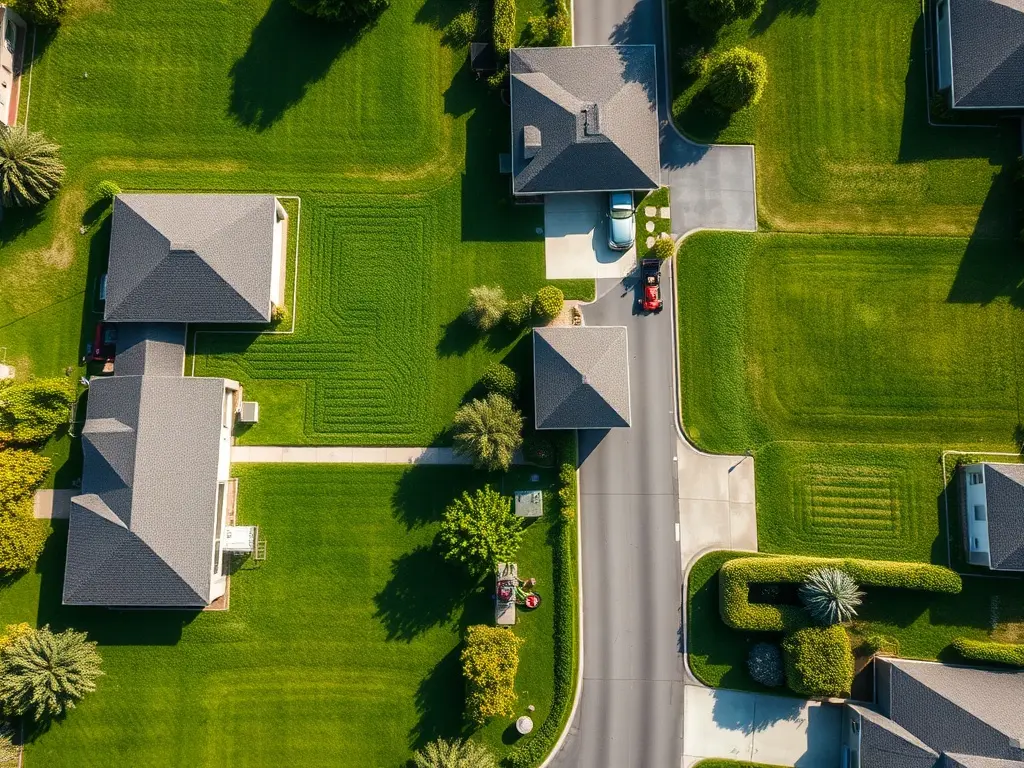
Where a dedicated measurement tool fits: MowerMath vs Deep Lawn and Go iLawn
If you're shopping the category, you've probably run into a few names. Here's the honest lay of the land without the hype.
Deep Lawn pricing and the deep lawn alternative angle
Deep Lawn is the integration Jobber can import from, so it's a common starting point. It measures from satellite imagery and pushes numbers into a CRM. If you're weighing a deep lawn alternative or comparing MowerMath vs Deep Lawn, the real question isn't features on a checklist — it's whether the tool lets you quote from your own costs, on any address, without a site visit, and whether it helps you tighten your routes. Check current deep lawn pricing against what you'll actually save in windshield time; that's the number that matters.
Go iLawn alternative and the rest of the field
Go iLawn is another measurement tool pros use, especially for larger commercial takeoffs. If you're hunting a Go iLawn alternative for residential and small-crew work, prioritize speed-to-quote and simple per-square-foot pricing over enterprise measurement suites you'll never fully use.
MowerMath fits here as the measuring and quoting layer: it measures any lawn from aerial imagery, prices the job from your costs, and its Find Neighbors feature shows you nearby homes so you can build route density instead of scattering jobs across town. It's not a CRM and doesn't try to be — you can use MowerMath to measure and quote, then keep running your business in whatever CRM you already like.
Best lawn measurement software 2026: what to actually look for
When people search for the best lawn measurement software 2026 or the cheapest satellite lawn measurement software, they usually fixate on price per measurement. Fair — but here's a better checklist:
- Speed to a sendable quote. Can you go from address to a branded estimate in under two minutes?
- Your costs, your rate. Does it price from your numbers, or force a generic rate?
- Route density. Does it help you cluster jobs, or just spit out a square footage?
- No site visit required. Can you quote the whole thing from the truck or the couch?
Accurate measurement is only half the job. The other half is turning that number into a clean price the customer can say yes to, fast.
The bottom line on Jobber and measuring lawns
Jobber doesn't measure lawns for you — you trace them in Google Maps or import from an integration. That's fine, because a CRM's job is scheduling, invoicing, and customer management, not takeoffs. If you want proper turf-health context to back up your quotes, university programs like the Purdue University turf science program are a solid, credible resource to lean on.
Keep your CRM. Add a measuring layer. Stop driving out for quotes you could send from your phone. That's the whole play — measure fast, price from your own costs, and pack your routes tight so more of your day is spent mowing and less of it is spent guessing.